proExpo · React Native · TypeScript
Agent OS, in your pocket.
The same fleet, runs, approvals and memory from the Agent OS desktop templates — now as a 19‑screen mobile app. Tabs + stack navigation, shared design tokens, light and dark. No native OS pickers or menus: everything in-app is Loopkit's own look.
On the phone
Every screen, real data
These are actual renders of the app running in Expo — not mockups.
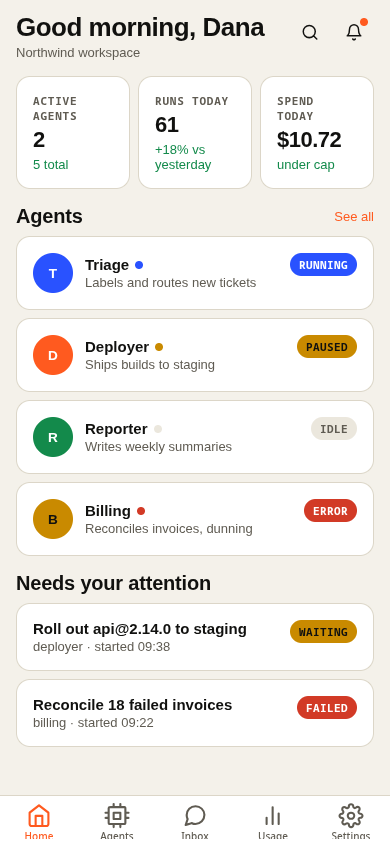
Home
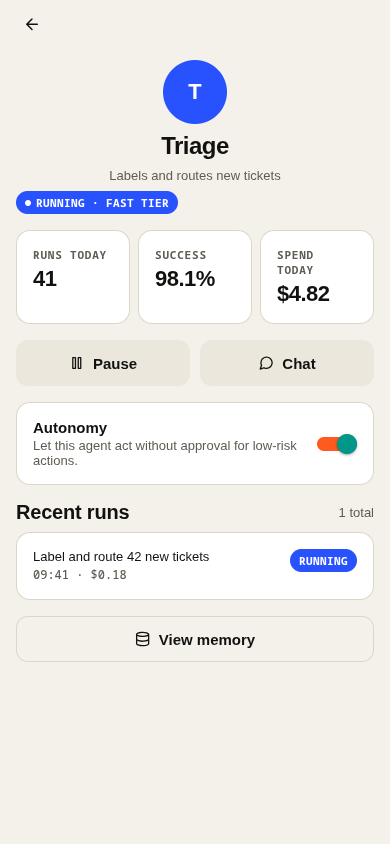
Agent detail
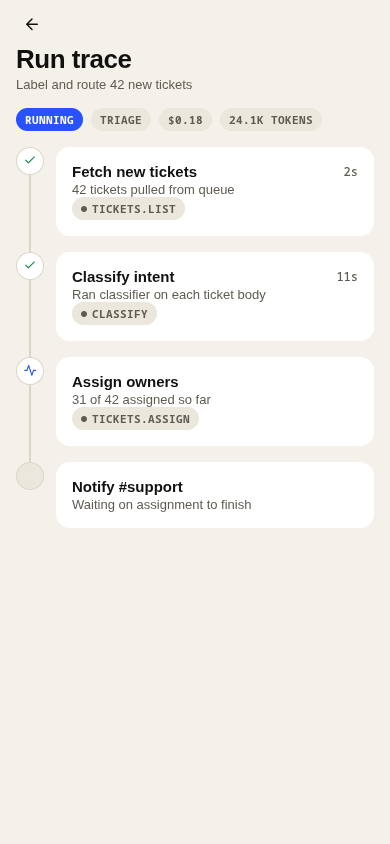
Run timeline
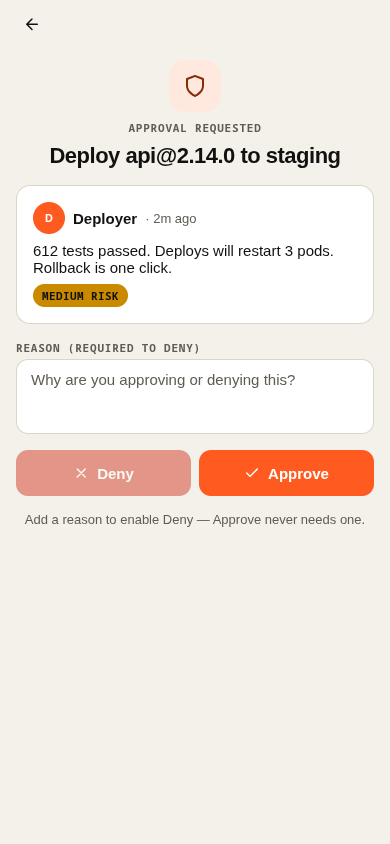
Approval
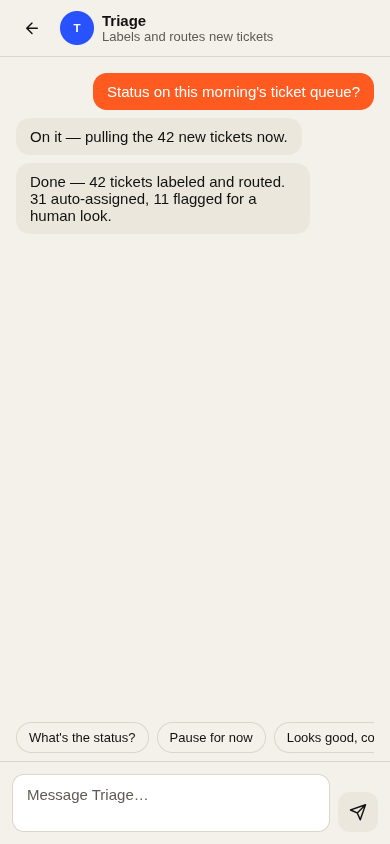
Chat
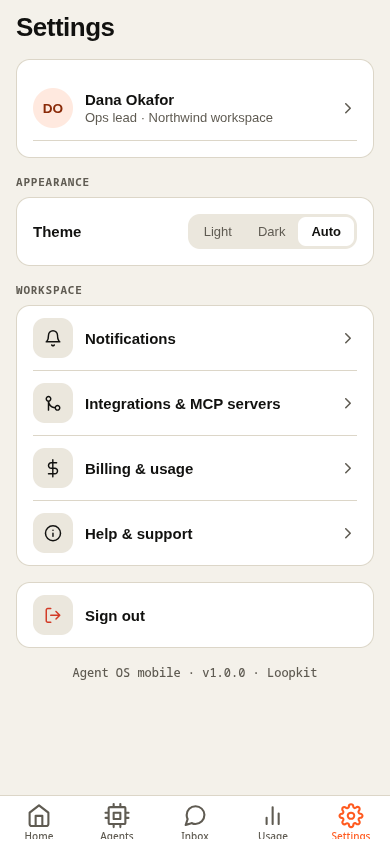
Settings
What's inside
- Onboarding + sign-in / sign-up
- Home — tab shell with your agent fleet
- Agents tab, Chat (inbox) tab, Usage tab, Settings tab
- Agent detail — status, recent runs, permissions
- Run timeline — step-by-step trace of one run
- Approval request — approve or deny, human-in-the-loop
- Chat thread with an agent
- Notifications
- Search
- Memory inspector per agent
- Incident detail
- Profile
- Settings → notification preferences
- Settings → integrations / MCP servers
For: teams that already run Agent OS on the desktop and want approvals, chat and status on their phone.
Preview it yourself
Pick a free port with ss -ltn first (never 8081 — that's the Expo default and often taken). The whole app, tabs and stacks included, runs in a browser too.
prompt
cd mobile/agent-os
npm install

# pick a free port yourself first
ss -ltn
npx expo start --web --port <FREE_PORT>
# open http://localhost:<FREE_PORT>

# or scan with Expo Go on your phone (same Wi-Fi):
npx expo start --port <FREE_PORT>- • Stack: Expo Router, React Native, TypeScript —
npx tsc --noEmitis clean. - • Tokens: ported from the web kit's
app/globals.css, with its own light/dark toggle. - • No backend: realistic in-memory sample data; approve/deny, pin/forget, connect/disconnect all work locally.
Get the source
Pro and Lifetime plans include the full Expo project as a zip — same license as the desktop templates.